Best Seller Icon Bestseller

CERTIFICATE In ADVANCE EXCEL(S-CAE-7061)

  • Last updated Nov, 2026
  • Certified Course
₹2,500 ₹3,000

Course Includes

  • Duration30 Days
  • Enrolled0
  • Lectures30
  • Videos0
  • Notes0
  • CertificateYes

What you'll learn

Advanced Excel Course

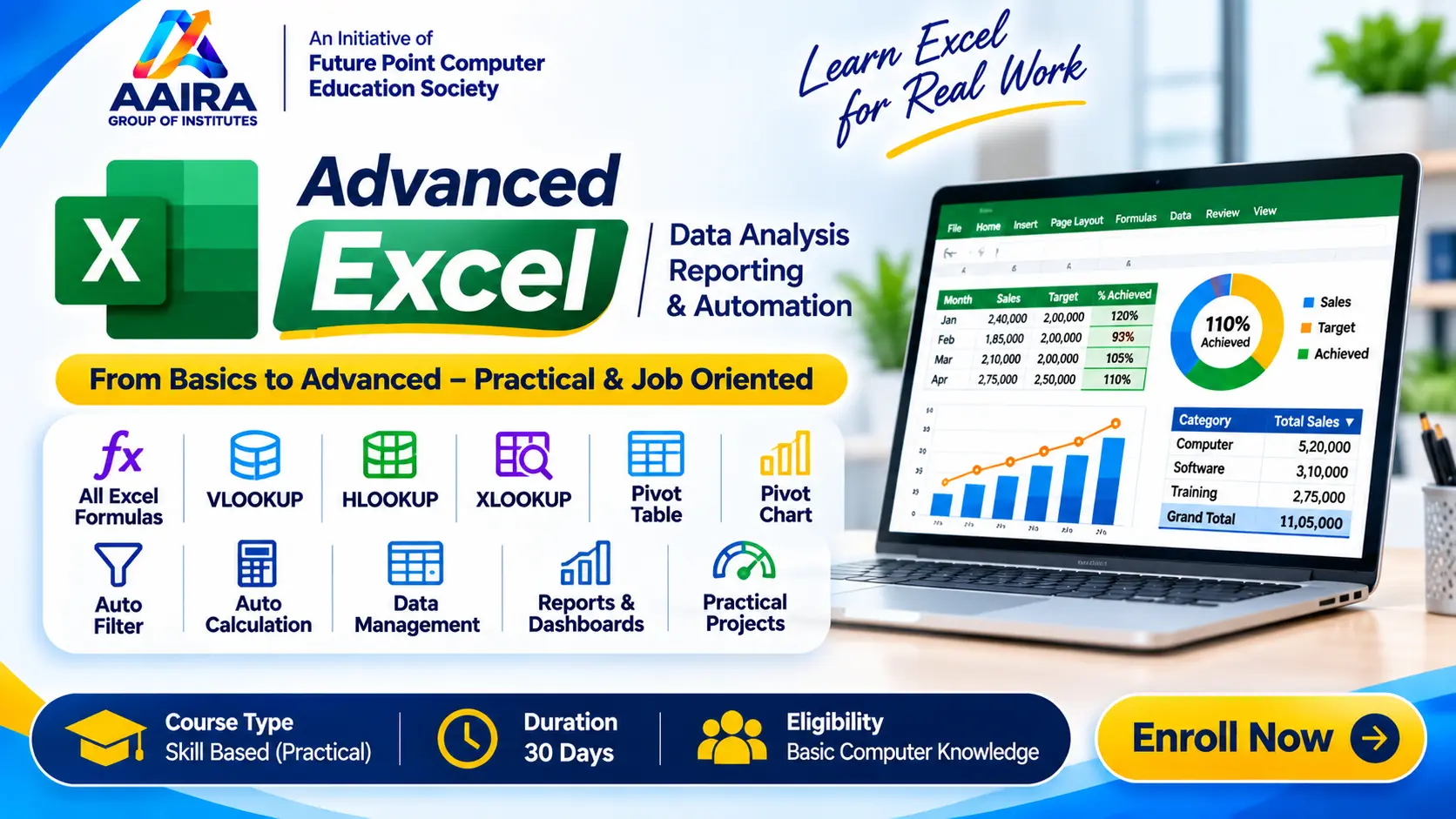
The Advanced Excel Course at Aaira Group of Institutes (AGI) is a comprehensive 30-day professional training program designed to develop advanced spreadsheet, data management, calculation, reporting and data analysis skills using Microsoft Excel.

This course is suitable for students, job seekers, office professionals, accountants, business owners and individuals who want to improve their Excel skills for professional and workplace applications.

The training begins with Excel fundamentals, workbook and worksheet management, data entry, formatting, cell references and basic mathematical operations. Students then learn a wide range of Excel formulas and functions, including mathematical, logical, statistical, text, date and lookup functions.

Special emphasis is given to important lookup functions such as VLOOKUP, HLOOKUP and XLOOKUP, along with automatic calculations, AutoFilter, sorting, conditional formatting, data validation and advanced data management techniques.

Students also receive practical training in Pivot Tables, Pivot Charts, dynamic reports, data summarization and MIS reporting to analyze large datasets and prepare professional business reports.

At AGI, we focus on hands-on practical training and real-world assignments so that students can confidently use Microsoft Excel for office work, accounting, data management, business reporting and administrative tasks.

Key Highlights

  • 30 Days Professional Excel Training
  • Basic to Advanced Microsoft Excel
  • Complete Excel Formulas and Functions
  • Mathematical and Logical Functions
  • IF, AND, OR and IFERROR
  • VLOOKUP, HLOOKUP and XLOOKUP
  • INDEX and MATCH
  • Automatic Calculations
  • AutoFilter and Advanced Filtering
  • Sorting and Data Management
  • Conditional Formatting
  • Data Validation and Drop-down Lists
  • Pivot Tables and Pivot Charts
  • Excel Tables and Dynamic Data
  • MIS Reporting and Data Analysis
  • Professional Excel Dashboards
  • Practical Assignments and Projects

Career Applications

The skills developed through this course are useful for entry-level and professional tasks related to:

  • MIS Executive
  • Data Entry Operator
  • Accounts Assistant
  • Office Executive
  • Data Management Assistant
  • Reporting Executive
  • Administrative Assistant
  • Excel Operator

The objective of this course is to help students work confidently with Excel formulas, large datasets, automatic calculations, business reports and professional data analysis tasks.

Show More

Course Syllabus

Advanced Excel – Complete Course Syllabus

Module 1: Excel Fundamentals

  • Introduction to Microsoft Excel
  • Excel Interface and Workspace
  • Workbook and Worksheet Management
  • Rows, Columns, Cells and Ranges
  • Data Entry and Editing
  • Creating, Opening and Saving Workbooks
  • Cell Formatting and Number Formatting
  • Font, Alignment and Borders
  • Merge and Center
  • Row Height and Column Width
  • Copy, Cut, Paste and Paste Special
  • AutoFill and Flash Fill
  • Basic Mathematical Operations
  • Relative, Absolute and Mixed Cell References

Module 2: Basic Excel Formulas & Functions

  • Introduction to Formulas and Functions
  • Addition, Subtraction, Multiplication and Division
  • SUM Function
  • AVERAGE Function
  • MIN and MAX Functions
  • COUNT and COUNTA Functions
  • COUNTBLANK Function
  • PRODUCT Function
  • ROUND, ROUNDUP and ROUNDDOWN
  • INT and MOD Functions
  • SUBTOTAL Function
  • SUMPRODUCT Function
  • Basic Percentage Calculations

Module 3: Logical & Conditional Functions

  • IF Function
  • Nested IF Function
  • IFS Function
  • AND Function
  • OR Function
  • NOT Function
  • IFERROR Function
  • IFNA Function
  • SUMIF and SUMIFS
  • COUNTIF and COUNTIFS
  • AVERAGEIF and AVERAGEIFS
  • Conditional Calculations
  • Practical Result and Salary Calculations

Module 4: Lookup & Reference Functions

  • Introduction to Lookup Functions
  • VLOOKUP Function
  • HLOOKUP Function
  • XLOOKUP Function
  • Exact and Approximate Match
  • Lookup with Multiple Criteria (Practical Techniques)
  • INDEX Function
  • MATCH Function
  • INDEX and MATCH Combination
  • IFERROR with Lookup Functions
  • Dynamic Lookup Techniques
  • Practical Student, Employee and Product Data Lookup

Module 5: Text & Date Functions

  • LEFT, RIGHT and MID Functions
  • LEN Function
  • TRIM Function
  • UPPER, LOWER and PROPER
  • CONCAT and CONCATENATE
  • TEXTJOIN Function
  • FIND and SEARCH
  • SUBSTITUTE and REPLACE
  • TEXT Function
  • VALUE Function
  • DATE and TIME Functions
  • TODAY and NOW
  • DAY, MONTH and YEAR
  • DATEDIF Function
  • EOMONTH Function
  • WORKDAY and NETWORKDAYS

Module 6: Data Management & Automatic Tools

  • Excel Tables
  • AutoFilter and Custom Filters
  • Advanced Filter
  • Sorting Data
  • Multi-level Sorting
  • Remove Duplicates
  • Text to Columns
  • Flash Fill
  • Data Validation
  • Drop-down List Creation
  • Conditional Formatting
  • Duplicate Value Highlighting
  • Automatic Calculations
  • Dynamic Formulas and AutoFill
  • Freeze Panes and Split Windows
  • Find and Replace
  • Sheet and Workbook Protection

Module 7: Pivot Tables & Pivot Charts

  • Introduction to Pivot Tables
  • Creating Pivot Tables
  • Rows, Columns, Values and Filters
  • Summarizing Large Datasets
  • Grouping Dates and Numbers
  • Sorting and Filtering Pivot Tables
  • Value Field Settings
  • Calculated Fields
  • Refreshing Pivot Data
  • Pivot Charts Creation
  • Chart Types and Customization
  • Slicers and Timelines
  • Interactive Data Analysis
  • Pivot Table Based MIS Reports

Module 8: Charts, Dashboards & Reporting

  • Introduction to Excel Charts
  • Column, Bar, Line and Pie Charts
  • Combo Charts
  • Chart Formatting and Customization
  • Dynamic Charts
  • Dashboard Fundamentals
  • KPI Reporting
  • Data Visualization
  • Interactive Dashboard Basics
  • Printing and Page Setup
  • Professional Report Preparation

Module 9: Practical Projects & Assessment

  • Student Fee Management System
  • Student Result and Marksheet Preparation
  • Employee Salary and Payroll Sheet
  • Attendance Management System
  • Sales and Purchase Report
  • Stock and Inventory Management Sheet
  • Monthly Expense Report
  • Invoice and Billing Sheet
  • Employee Data Lookup System
  • Pivot Table Sales Analysis
  • Business MIS Dashboard
  • Practical Assignments and Final Assessment


Eligibility

Who can apply for this course

Eligibility Criteria

  • Minimum Qualification: Class 10th Pass or equivalent.
  • Basic knowledge of computers is recommended.
  • Basic knowledge of Microsoft Excel is beneficial but not mandatory.
  • Students, job seekers, accountants and office professionals can apply.
  • Suitable for beginners who want to develop advanced spreadsheet and data analysis skills.

Course Duration: 30 Days

Course Fees

Course Fees
:
₹3000/-
Discounted Fees
:
₹ 2500/-
Course Duration
:
30 Days

Review

0.0
Course Rating (0 reviews)
0%
0%
0%
0%
0%


Call
Text Message
Review
Email
CHAT